Next: Troubleshooting Up: User manual Previous: Web Interface Contents
A key service provided by the HERMES is E-mail. The E-mail is communication protocol attributes to each e-mail bearer an address in the format "username@host". In the case of HERMES, the "username" part of the email is created by a HERMES user in the web interface, while the host (also called domain) is already set in the system, and typically has the format "community_id.hermes.radio". So a typical HERMES emails looks like, for example, "amelia@ac4.hermes.radio". The "username" is the same username as created in the user creation page in the HERMES administration interface.
HERMES email users can send and receive e-mail just like any other e-mail user. The only restriction which must be considered is that in order to avoid clogging the system with large messages, emails with large attachments will be cancelled by the system, with the appropriate cancellation message sent to the user.
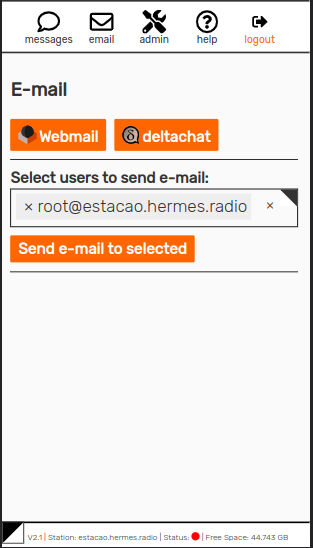
While there are many e-mail clients, like Thunderbird and Outlook Express, the recommended e-mail client to be used with HERMES is DeltaChat. DeltaChat installers are available for download through the interface for Android, Windows, MacOS and Linux. A backup option is to use RoundCube webmail which is also accessible through the HERMES web interface.
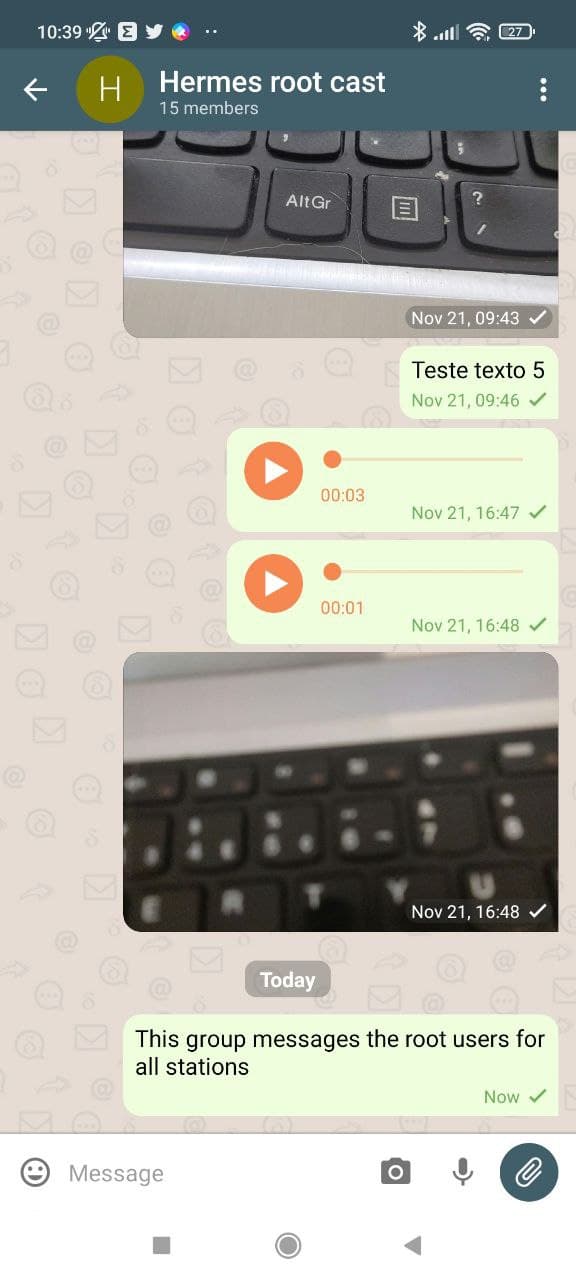
With the DeltaChat application, you can use HERMES email to carry out personal communications for exchanging messages. This app works on most common smartphones and feels like a common messaging application like Telegram, WhatsApp or Signal. Keep in mind that due to the message transmission schedule, messages may take a while to arrive, depending on the amount of messages in the queue and the transmission window length.
DeltaChat is available in most common app stores and repositories. As HERMES is designed for places with low or no connectivity, it is possible to download it through the HERMES web interface, selecting one of the packages provided according to your device operational system. HERMES provides installation files for mobile or computer systems such as Android, GNU/Linux, Windows and MacOSX. The installer files can be accessed here if you're reading this using a HERMES system network: Android, Windows, Debian and Mac OS
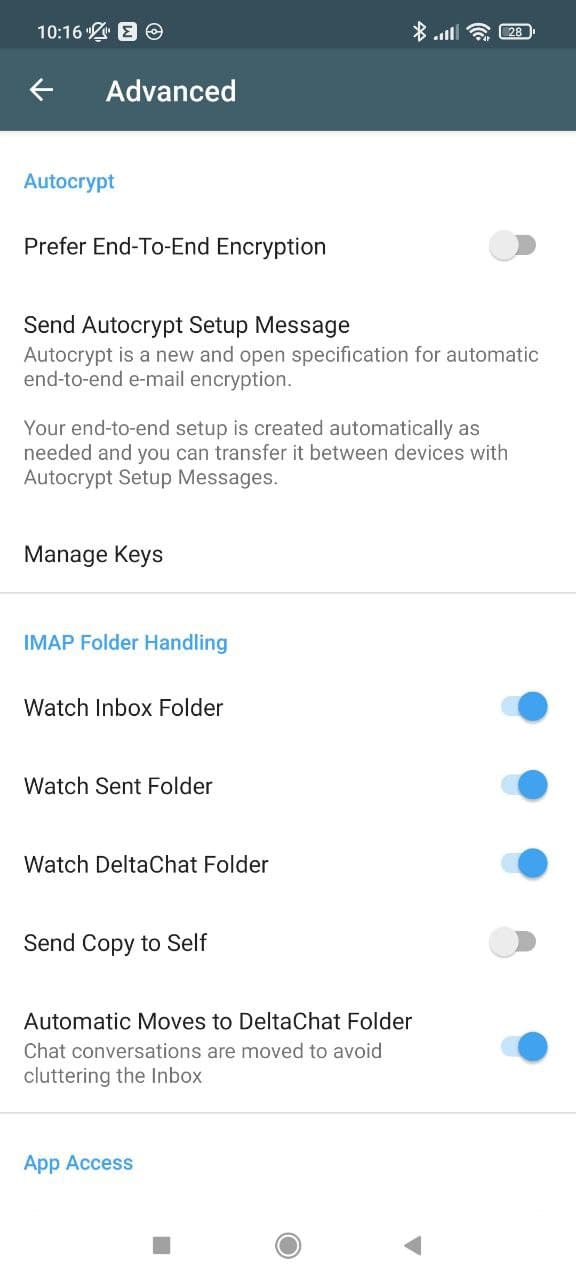
The HERMES system includes a compression system suitable for multimedia messages like images or audio being sent over HF. End-to-end encryption should be disabled in order to allow the server-based image and audio compression to work properly, otherwise image and audio exchange will not be possible.
The steps to find this feature in Deltachat are: Burger Menu ( ) -> Settings -> Advanced -> Autocrypt, turn off: Prefer End-To-End Encryption) as shown in Figure 1.24.
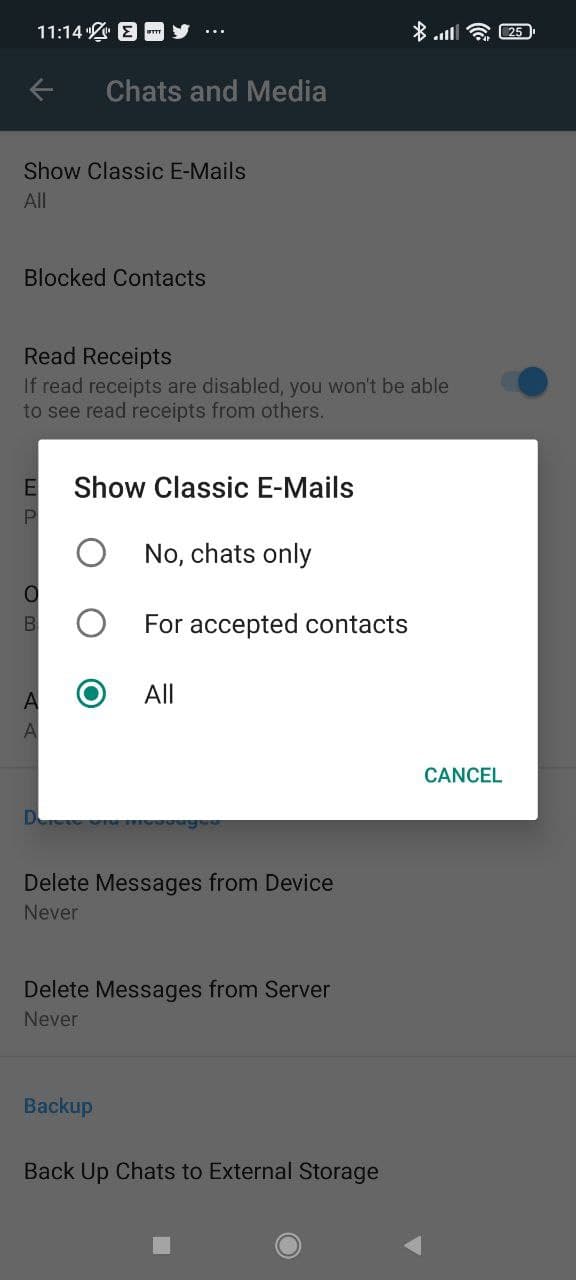
Deltachat, by default, tags its emails and show only the "known" messages (emails) that was sent by another Deltachat application. In order to be able to interact with e-mails from any e-mail client software, enable the option "show all emails".
The steps to find this feature in Deltachat are: Burger Menu () -> Settings -> Chats and Media -> Show Classic E-Mails -> All. As shown in Figure 1.25
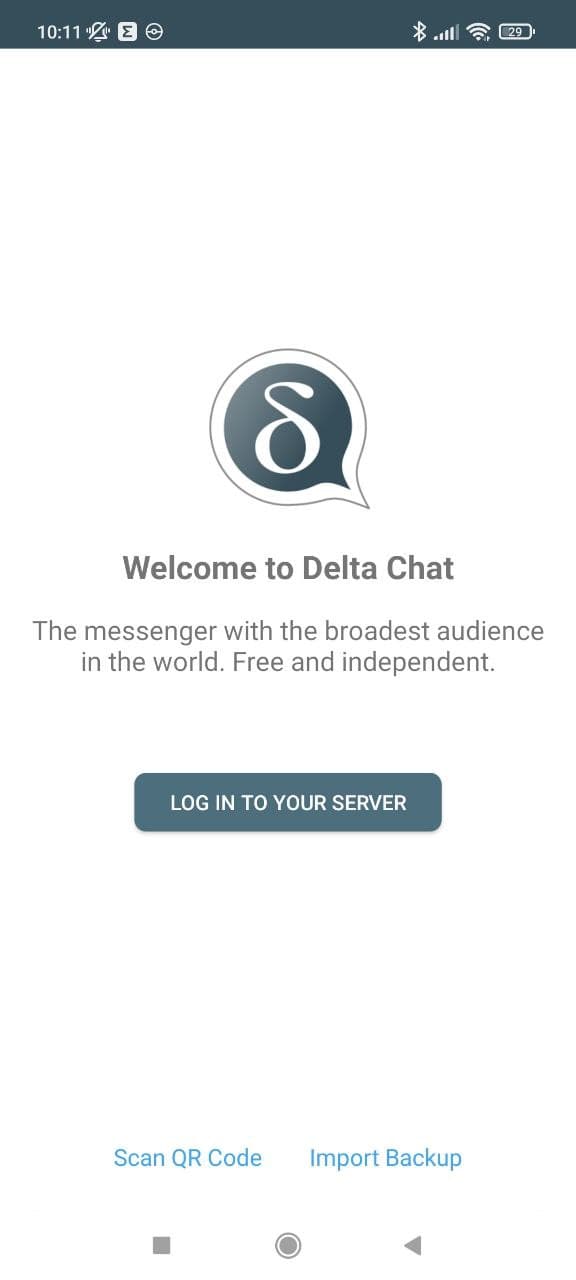
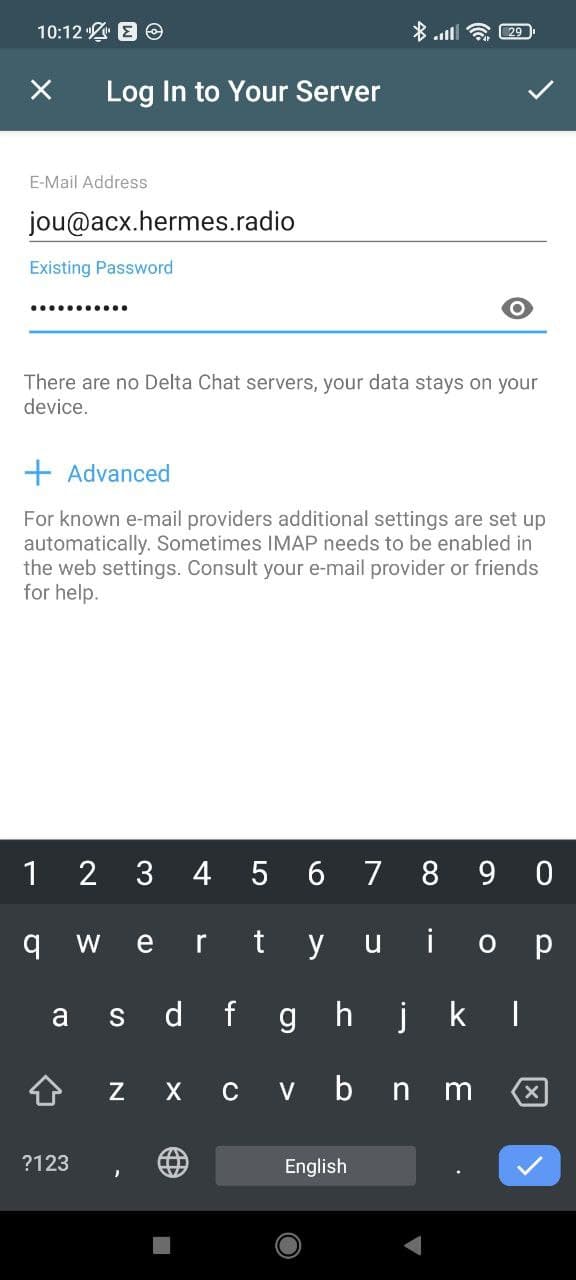
In order to configure DeltaChat, first an e-mail account should be created, as described in section 1.2.1. In order to login to an e-mail account, only the e-mail address and password fields should be filled, as shown in Figure 1.26. The user and password will be the same as those created when first creating a login on HERMES and for use with the RoundCube webmail.