Next: Further troubleshooting (maintainers) Up: sBitx installation guide Previous: RF test Contents
In this section the process of creating one or more users in the HERMES system is address. Also the process of connecting a device (eg. tablet or cellphone) to the radio over WiFi and using the software DeltaChat (an email client) for messages exchange.
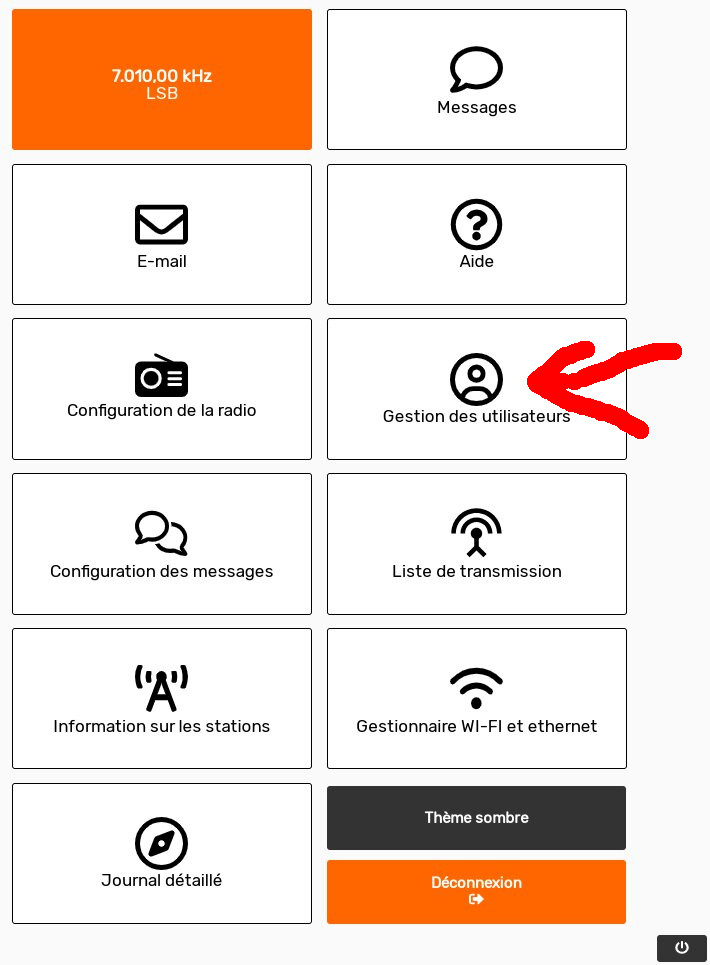
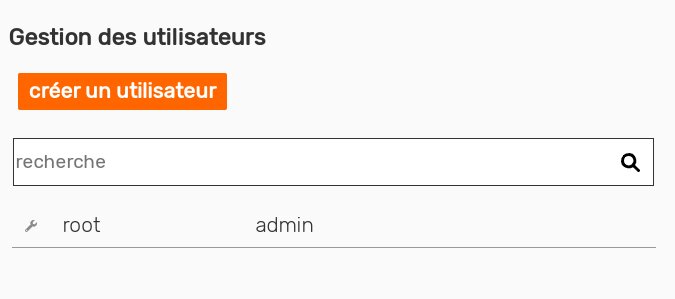
In the HERMES interface, create one or more users, to be used for the email access. Then connect the companion device to the radio WiFi network, and install the software DeltaChat (an email client). Follow the steps shown in Figures 2.37 and 2.38 in order to create users in the HERMES UI.
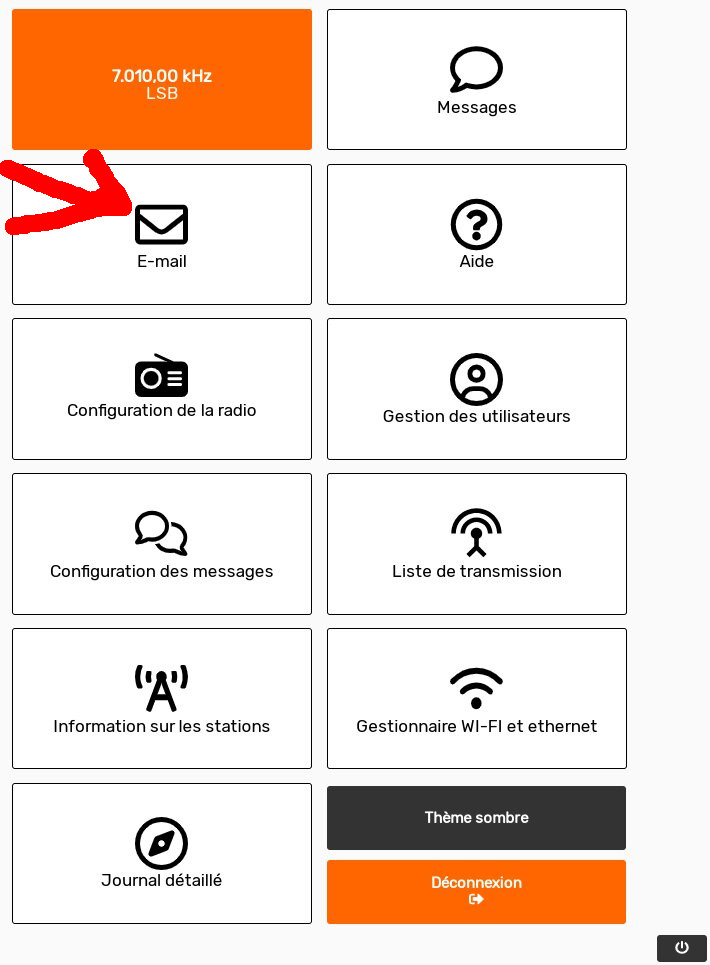
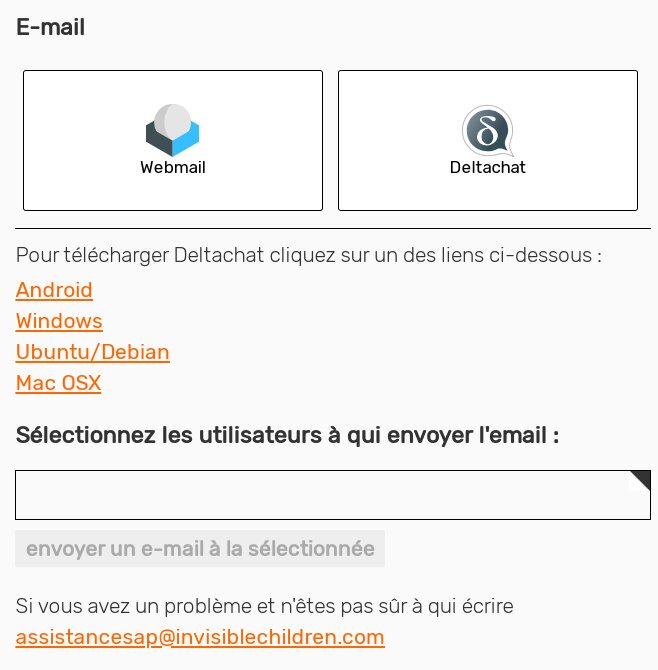
The in the device, first connect it to the WiFi radio network, as described in section 2.6. Then open the DeltaChat application, which available in any app store, or locally in the radio, as shown in Figure 2.39 and the, by clicking the DeltaChat icon, download links will appear, as shown in Figure 2.40.
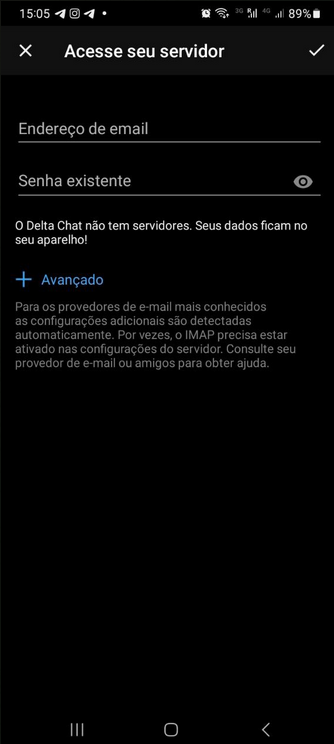
In DeltaChat, go in “Access your server” and put the email and password created in HERMES system (see Figure 2.41). The email should look like “operateur@irabanda.aco-connexion.org”, and is composed by the HERMES username, an “@”, and the name of the station.