Next: HERMES USB installer preparation Up: sBitx installation guide Previous: Power supply and consumption Contents
This step is needed in order to enable the HERMES installer to run from a USB pendrive.
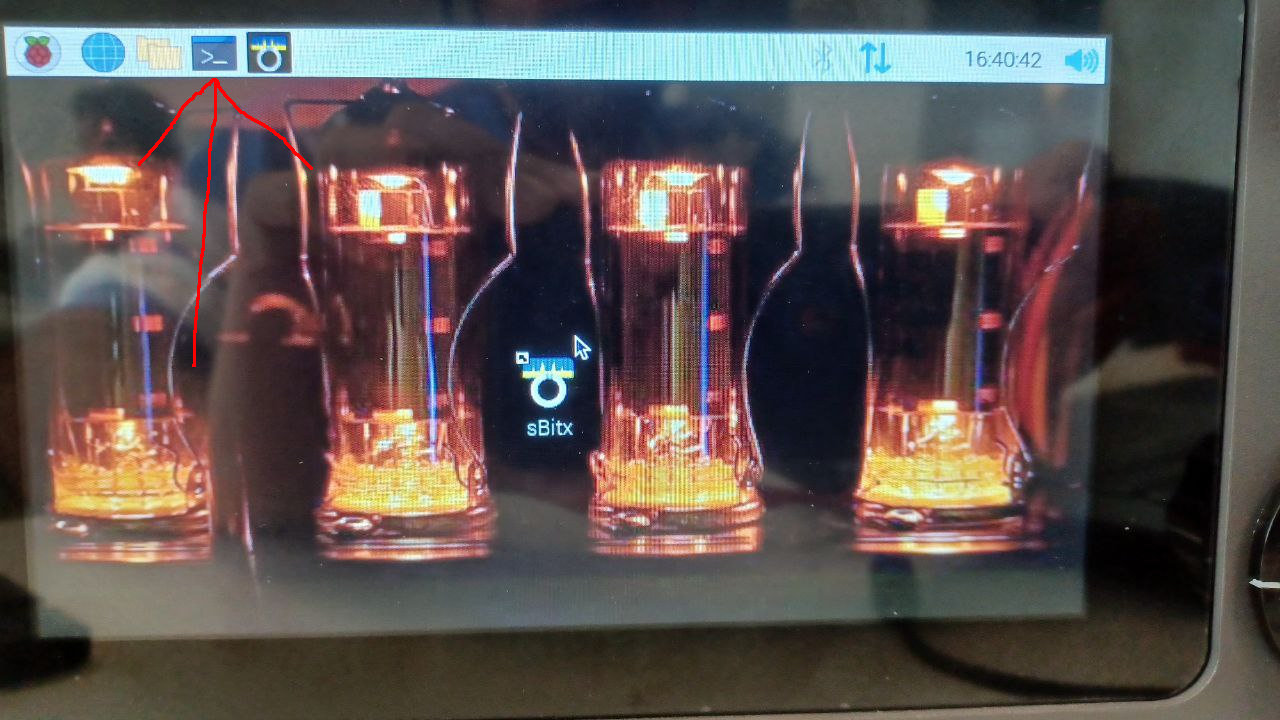
First connect a USB keyboard to the radio, and then connect the radio to the network (RJ45) cable with appropriate Internet connection. Then click in the Terminal icon shown in Figure 2.3.
After opening the terminal window, type:
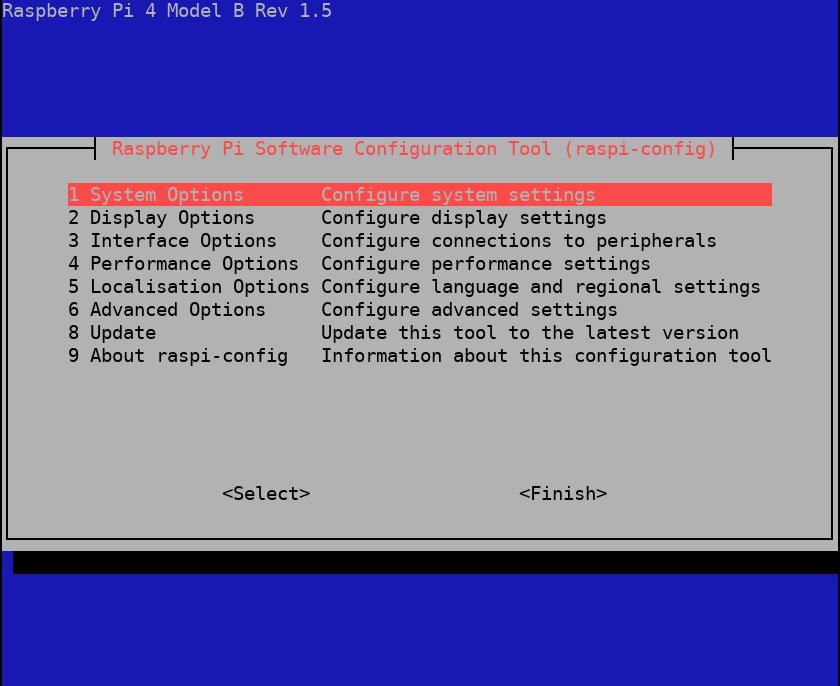
At this point the screen shown in Figure 2.4 should appear.
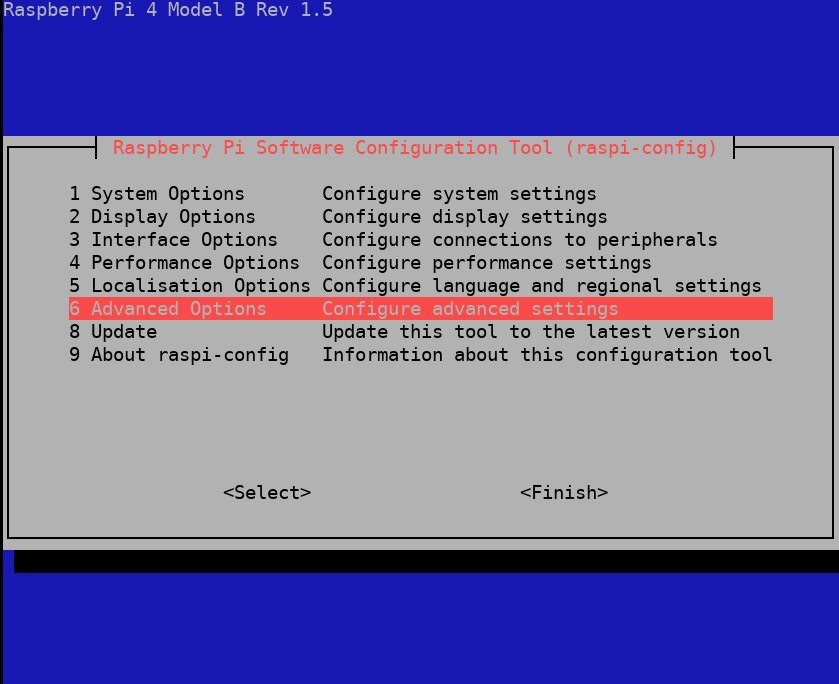
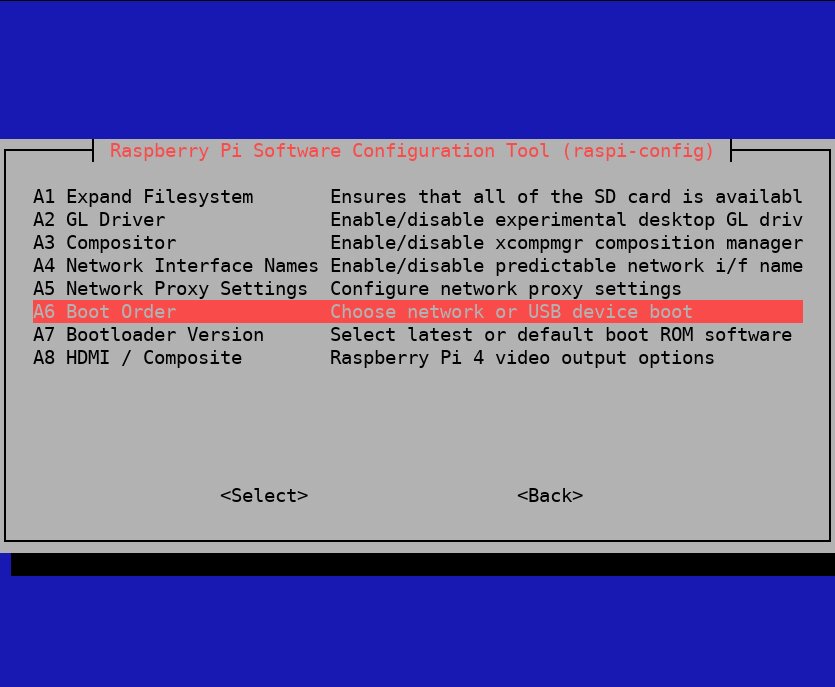
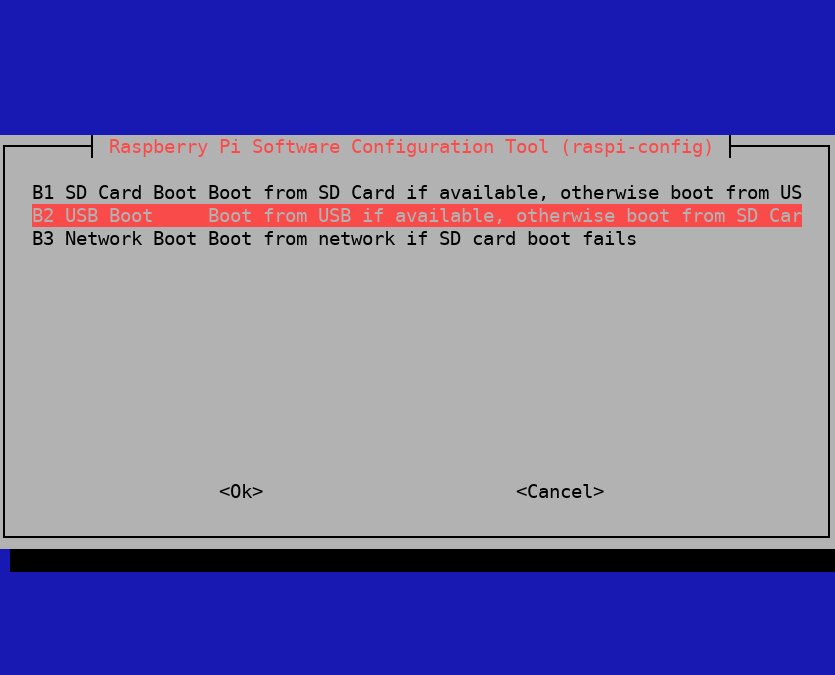
Choose the options of the menu in the following order using the keyboard arrow and Tab keys (as shows in Figures):
Then just accept the option to reboot the radio. Now the radio is ready to run the HERMES installer. If needed, in order to turn off the radio, type the following in the terminal window (just after raspi-config):
And after some seconds, when the screen goes black, turn off the radio (using the power key below the power socket).